grow
workflows that run themselves, reliably.
we connect your tools and move repetitive work into the background, with monitoring so failures are visible, not silent, and so your team still understands what is happening.
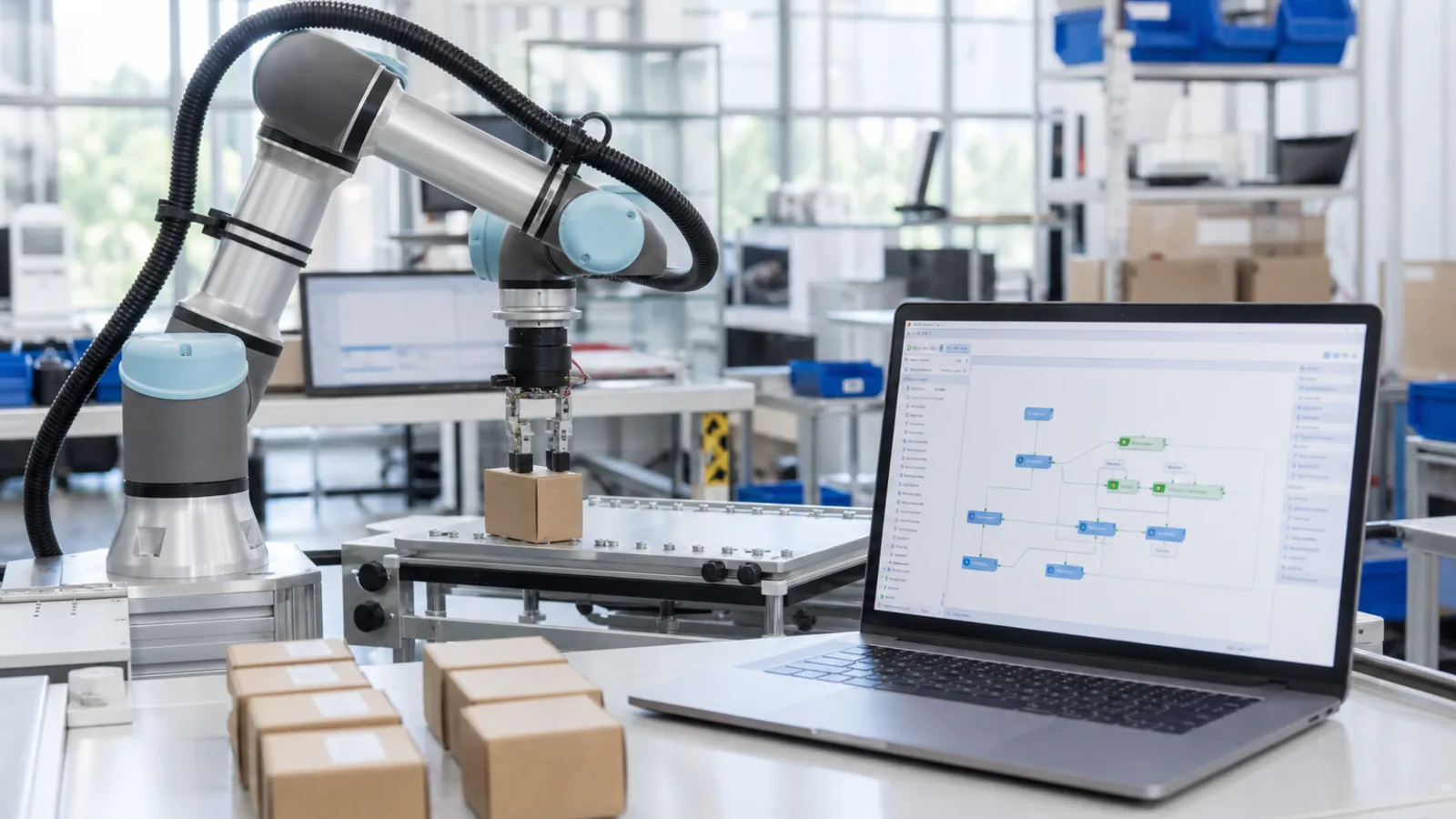
most businesses waste hours copying data between email, spreadsheets, crm, accounting, and support tools. automation should remove that grind without creating a fragile black box nobody can fix.
fossasoft designs workflows that match how your people already work. we automate high-volume, low-ambiguity steps first, keep humans in the loop where judgment matters, and leave logs so issues are diagnosable.
good automation is boring in the best way: it runs every day, alerts when something fails, and stays changeable when your process evolves.
what we do
cross-tool process automation
connect crm, email, forms, erp, ecommerce, and spreadsheets so leads, orders, invoices, and tickets move without manual re-entry.
scheduled jobs and event-driven flows
nightly syncs, reminder sequences, stock updates, report generation, and triggers that fire when a record changes or a threshold is hit.
approvals and exception handling
routes for cases that need a person, discounts, refunds, onboarding checks, with clear notifications instead of lost emails.
data cleanup and reporting pipelines
imports, deduplication, enrichment, and scheduled exports so reporting is based on cleaner data and less weekend spreadsheet work.
monitoring and runbooks
alerts when a flow fails, visibility into recent runs, and short instructions so operators know what to do next.
how we work
- we document the current manual process, including edge cases, before we automate anything.
- we prioritize volume and pain: the tasks that burn the most time or create the most errors.
- we keep ownership clear: who gets alerted, who can change the flow, and what “done” looks like.
- we avoid over-automation. if a step needs judgment, we design a human checkpoint instead of a silent wrong decision.
typical projects
- lead capture to crm with assignment and follow-up
- order-to-invoice or order-to-shipping sync
- support ticket enrichment and routing
- inventory and price sync between systems
- weekly operational reports assembled automatically
what we deliver
- documented process map of what was automated
- working flows in your stack (or a dedicated automation layer)
- alerts and basic monitoring
- operator notes for failures and common changes
- optional retainer for adjustments as processes change
what you get
fewer repetitive tasks, fewer missed handoffs, and workflows that keep running after we leave.
your team spends time on exceptions and decisions, not on copying the same fields between five tools every morning.